moving

Welcome to The AIAIASP...........write to us on circlesecretary@gmail.com
Showing posts with label IPPB. Show all posts

RuPay Virtual Debit Card - Features and FAQ


IPPB RuPay Virtual Debit Card is a digital debit card which can be generated by the customers on their mobile banking App. It allows IPPB customers to do digital transactions on eCommerce/ online websites for purchasing of goods/ services/ paying bills etc. on RuPay enabled portals/ payment gateway.

Some additional features of the card are as below:

·         Card can be Generated, Blocked, Unblocked from Self-service mobile banking app.

·         Individuals can set their own per day limits.·         Acceptance on all RuPay enabled e-commerce site/ merchant site

·         180+ RuPay eCommerce offers run by NPCI like monthly cashback on paying utility bills, instant discounts etc. (https://rupay.co.in/)

·         Please refer below table for scheme wise, card related features:


Card Management Process Flow in Mobile Banking App

Followings are the features of IPPB – RuPay Virtual card:

·         Self-Generation

·         View Card Details

·         Temporary Block/ Permanent Block

·         Unblock

·         Limit Set

·         Usage for online transactions

Process/ Screenshots of above processes are attached in Annexure – 1

Customer Grievance Handling

Customer may approach to IPPB on below channels:

1. Customer Care

2. Branch/ Access Point

Customer may approach for below issues/ concerns:

1. General queries

2. Card hot listing

3. Transaction/ Charge Issues

4. Fraud Reporting

General Queries:

Customer may approach IPPB for general queries/concerns like processes for card generation, card view, OTP, transaction limits etc. Processes of the same are described in Annexure – 1 & FAQs in the later sections.

Card Hot Listing

Customer may approach IPPB for hotlisting of card. Permanent block can be done on assisted mode as well as by customer himself/ herself using IPPB Mobile Banking App. For further use, customer has to generate card again via IPPB Mobile Banking App, permanently blocked card cannot be use again.

Transaction/ Charges Issues

Customer may approach IPPB for transaction / charges related issues like transaction failed at merchant websites but account debited, fees/ charges debited by IPPB etc.

FAQs:

Q. What is IPPB Virtual Card?

Ans. IPPB Virtual Card is Digital Debit Card, which can be used for e-commerce (online) transactions. The Card can be used to shop online at any merchant website/ online portals in India that accepts RuPay Cards, without any difference from a regular plastic Card.

Q. What is an e-commerce (online) transaction?

Ans. Electronic commerce, commonly known as e-commerce, refers to the buying and selling of products or services over electronic systems such as Internet/ Mobile and other computer networks.

Q. Is my Virtual Card safe?

Ans. Yes, the customer details (bank account number, mobile no., email address, etc.) are not shared with Merchant / Vendor. All the transactions are validated via OTP as a second factor authentication.

Q. Which type of customers can have Virtual Debit Card?

Ans. IPPB customers having Mobile Banking facility with transaction rights / access can avail the services of Virtual debit card.

Q. Will me card be activated for transaction also, after generation?

Ans. Yes, once generated, Virtual Debit Card will be activated for Online/ e-commerce transactions within India.

Q. Can customer withdraw Cash / transaction on point of sales (POS) machines using Virtual Card?

Ans. No, the Card can be used only for making online payments on ecommerce/ merchant websites/ payments gateways that accept RuPay Debit Cards.

Q. Is there any issuance charge or any annual fee for using Virtual Card?

Ans. Yes, one-time issuance charge is Rs. 25 (inclusive of GST). However, there is no charges on re-issuance of the card. Please refer schedule of charges available on the bank’s website for more information.

Q. If I suspect that someone has seen my Virtual Card details, can someone use it for fraudulent transactions?

Ans. As the card usage is protected through OTP (One Time Password), which is only sent to the customer’s registered mobile phone, the chances of fraudulent transaction are very low. However, the customer must take adequate precaution.

Q. What are the offers/ benefits available on RuPay Virtual Debit Card?

Ans. Please refer https://www.rupay.co.in/ for the offers on RuPay Debit card.

Q. What if customer have both Current Account and Savings Account.

Ans. Each account type will be issued one Virtual debit card.

Q. Can a minor (below 10 years of age) have Virtual debit card?

Ans. Virtual Debit Card will not be issued for minor below 10 years.

Q. Can I set my limit of Rupay Card from my Mobile Banking App?

Ans. Yes, customer may set individual limit on Mobile banking app. However kindly note that this limit should not go beyond the maximum limit defined by IPPB.

Q. Is there any minimum or maximum limit for the Card transaction?

Ans. Please refer below:

Minimum Amount Rs. 1

Maximum Amount Rs 50,000/- (per day, per card).

Q. Can I block my Virtual Card?

Ans. Yes, there is an option on Mobile Banking app to block IPPB Virtual Debit card either temporary or permanently. Customer may also approach nearest post office / bank branch/ access points/ call centre for blocking card permanently.

Q. What is the difference between temporary blocking and permanent blocking of virtual card and on which channels each is allowed?

Ans. As the name suggest; temporary blocking is to block the card on temporary basis, which customer may unblock later on. However, in permanent blocking, the existing card will be closed and can be no longer unblocked. In case of future use, customer may generate card once again.


Share this article :


SOP for Mandate Account Opening in IndiaPost Payment Bank ( IPPB )

IPPB is talks with multiple government departments and other institutions of repute where there has been a requirement to track the account opening. 
IPPB has already received mandates for onboarding beneficiaries of various schemes.
To cater to the need of tracking of the account opening specific to mandates, IPPB has come up with the customization in the account opening process. The End User(EU) shall have the option to open all the accounts either in the normal route or by tagging the accounts with specific mandates. 

The basic solutions which the mandate account opening provides are :

1. It will provide the option to tag an account for single or multiple DBT/Campaign scheme code for which the account has been opened.

2. It will enable identification of accounts through the DBT/Campaign Scheme name, the listing of 
all account opened for the customers under a specific DBT Scheme for any Government 
department

3. It will provide the provision for selection of relevant Government Scheme (or any other Scheme beyond DBT as well) from an extended master list of Schemes maintained in custom library for tagging the account at the account opening stage or a later stage as well

4. It will enable to capture specific beneficiary ID/identifier as per the scheme for which the 
account is being opened. 

5. The mandate will also have the provision to validate The beneficiary ID if IPPB has got a 
database from the Govt department or institution whose mandate IPPB is implementing.

Note :

Modification rights of the custom table/library of the schemes with bifurcation of national/state hierarchy to be provided to authorized users (at CO only).

As and when a new scheme/campaign is added to the list, the modified library would be replicated in the front end during the account opening process.
 

How Digital Technology is Powering Doorstep Banking in India?

As part of the government of India’s push to broaden financial inclusion across the country, the Reserve Bank of India, India’s central bank, has licensed a unique form of banking which has not been used elsewhere in the world.

The new model, called payments banks, operate like any other bank except with limited offerings. Their key remit is to widen the spread of payment and financial services to small businesses, low-income households and a migrant labor workforce in a secured, technology-driven environment. India Post Payments Bank (IPPB), hosted under the Department of Posts, is the only public sector entity to have been issued a licence to operate a payments bank.

Thinking long term

Setting up a brand-new, digitally-focused bank is no task for the faint hearted. Right from the beginning, IPPB needed to think long term and create a banking ecosystem that was both cost effective to run and scalable over the years.

The challenge put to DXC was to design a technology solution for IPPB to serve the nation and drive development toward a truly digital India. DXC provided the digital roadmap and set up the entire IT infrastructure and business applications for this ambitious project.

“IPPB’s vision is to build the most accessible, affordable and trusted bank for the common man. Towards that, it was critical to invest in a scalable and resilient solution that leverages the existing interoperable payments infrastructure to achieve affordability, while ensuring simple and intuitive interfaces for easier adoption by the customers and the service providers,” says Suresh Sethi, CEO of IPPB.

“The solution we developed for IPPB was designed with the constant need to keep operational costs low,” says Bhushan Sharma, Managing Director of DXC Technology in India. “We used a light operating model with minimal data entry, straight through processing and digitization. We also used a mix of reliable open-source solutions to keep the cost of IT low.

“In order to meet the changing industry demands and stay relevant, we implemented a future-proof platform and solution with more than fifty business applications aligned to a robust product roadmap.”

Serving the people

IPPB now offers customers an integrated suite of core banking services to support savings and current accounts, payments, money transfer, direct benefit transfers, bill and utility payments, and enterprise and merchant payments. One of the most important functions of IPPB is its ability to deliver government subsidies to people. These products and related services are being offered through counter services and via smartphone-based, hand-held devices carried by postal staff.

IPPB is also looking at the unorganized retail segment, where payments today are largely dominated in cash. It wants to create a ‘less cash’ system that allows these kirana stores and merchants to use IPPB accounts and interact digitally.

Taking it one step at a time

Following successful pilots in 2017, IPPB expanded country-wide in September 2018, opening 650 branch offices, setting up 3,250 post offices across urban and rural India to operate as banking access points, and, most importantly, offering counter and doorstep service through around 10,000 postal staff and gramin dak sewaks. For the launch, IPPB invested more than 800,000 hours into training 15,000 postal staff and since has achieved one of the fastest expansions of over 100,000 banking access points while also training and certifying over 250,000 service providers throughout the country.

“We are taking a step-by-step approach to rolling out our services,” says Sethi. “Although many of our customers will be familiar with banking, we’re largely dealing with people who have never used a bank before. Therefore, IPPB is initially focusing on financial inclusion through financial literacy, educating customers on how insurance secures the unsecured, how wealth grows from wealth and how even a little saving can go a long way towards building a better future.”

“We believe that a nation can only grow when every citizen gets an opportunity to prosper. With simple, diverse and growth-oriented offerings, IPPB aims to give every Indian access to a comprehensive suite of banking services.”Suresh Sethi,
CEO of IPPB.

India’s most trusted icon

The beauty of IPPB’s model is that it is based on one of India’s most trusted public figures—that of the postman or postwoman. They are the key contacts for customers, bringing banking right to their doorsteps. And this is, in essence, the bank’s slogan Aapka Bank, Aapke Dwaar which roughly translates to ‘banking at your doorstep’.

IPPB is gearing up to lead the digital evolution of banking as one of the largest financial inclusion networks in India, covering both urban and rural areas. “As we continue to expand our services to every doorstep, our postmen and postwomen will become the trusted financial services advisors to our customers,” says Sethi. “At India Post Payments Bank, we believe that a nation can only grow when every citizen gets an opportunity to prosper. With simple, diverse and growth-oriented offerings, IPPB aims to give every Indian access to a comprehensive suite of banking services.”

Sharma recalls the opinion of a 65-year-old driver and former goat herder in rural Rajasthan, who believes that digitalization is key to economic success. “We need to get money directly to the workers and the new payment banks are the answer. Banks like IPPB will make a real difference.” What better endorsement can there be?

“This greenfield model of banking should enable individuals, small businesses and merchants to utilize full-fledged digital banking services,” continues Sharma. “It’s paving the way for India's largest banking network to reach every corner of the nation.”
Source : SA Post

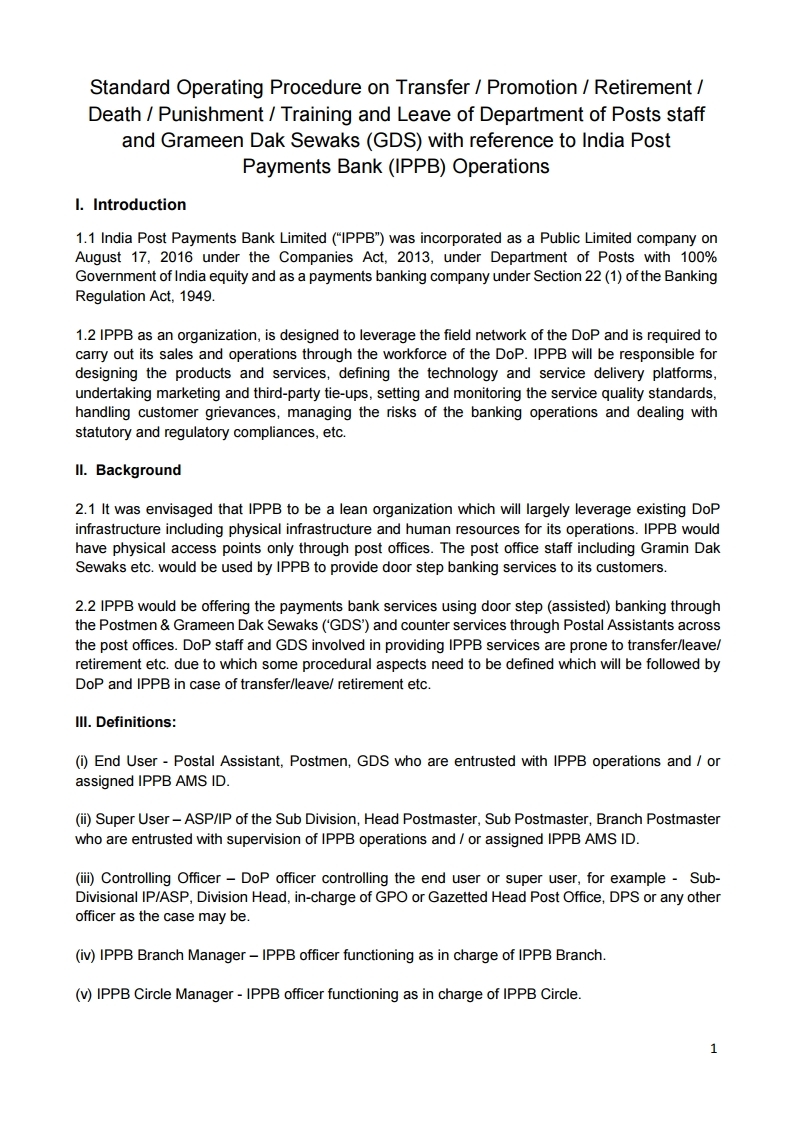
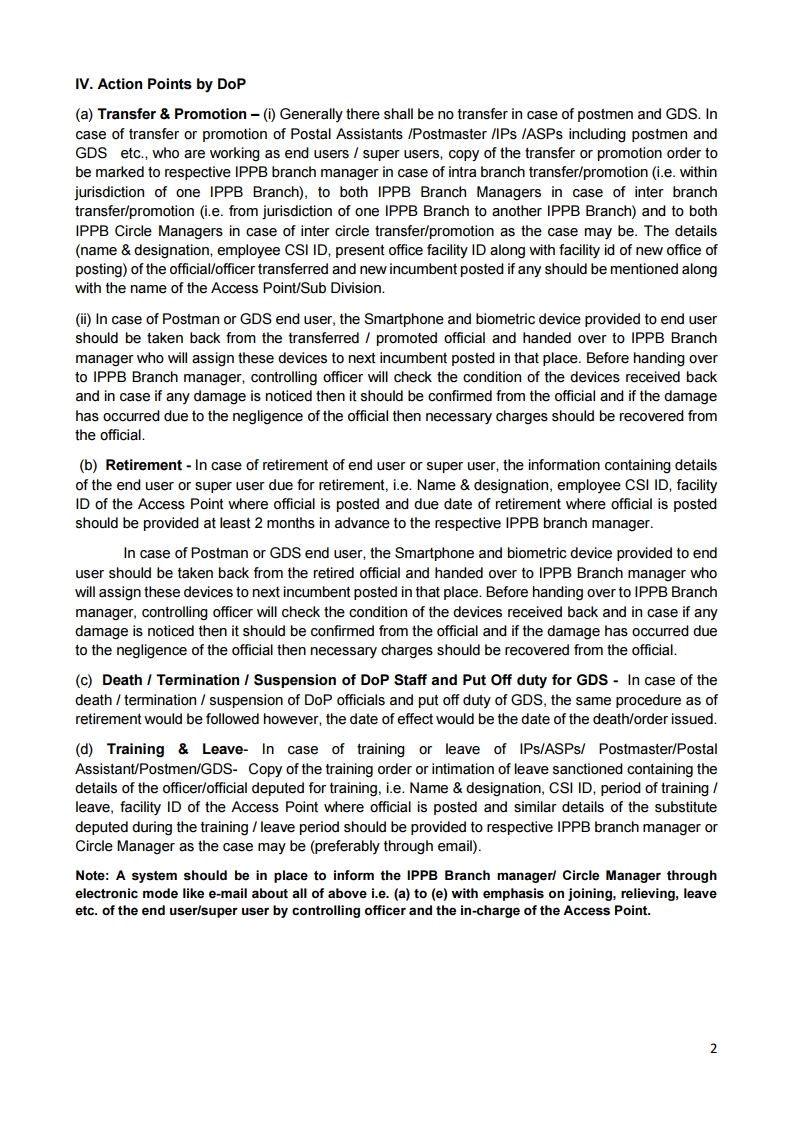
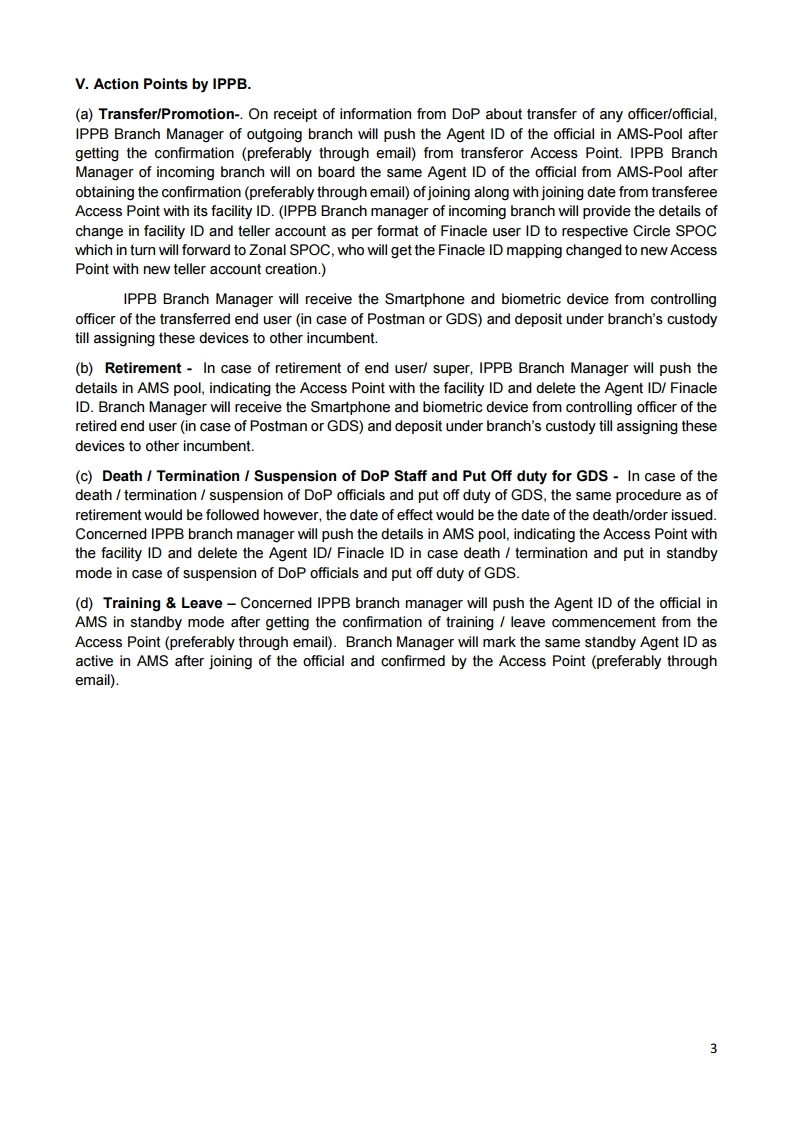
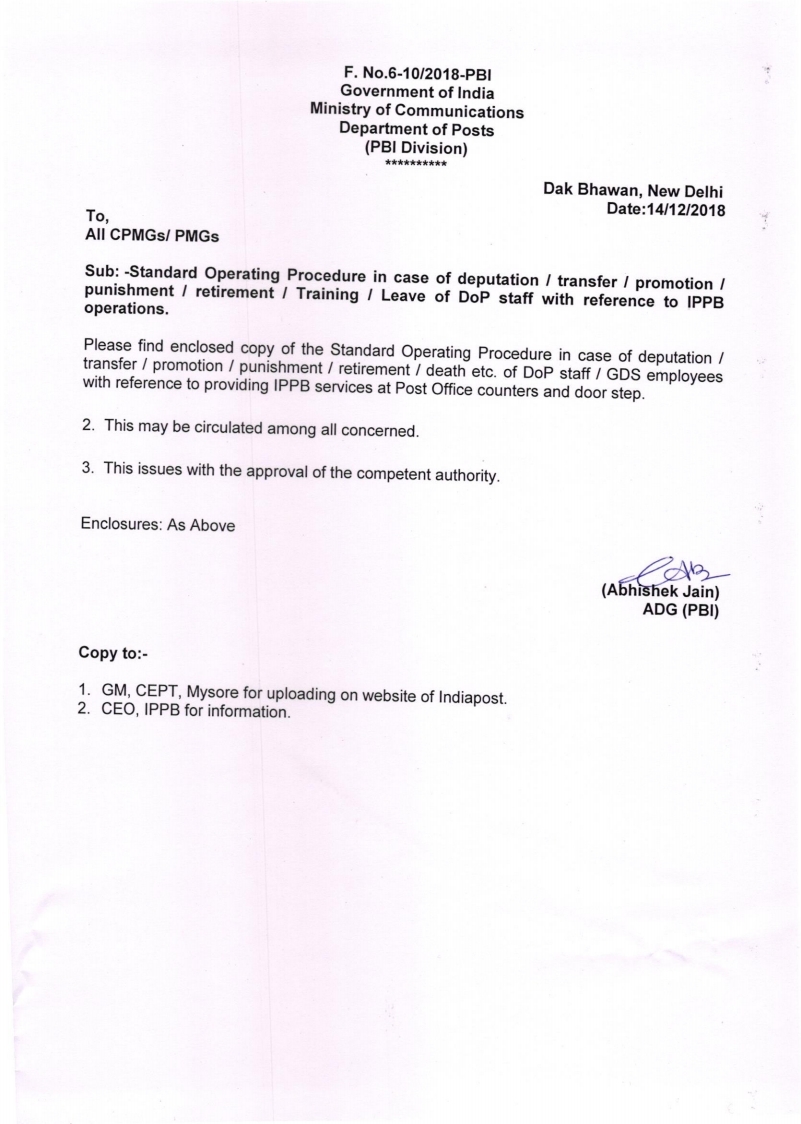
SOP, Application form and FAQ for DOP Intra Operable Internet Banking [India Post eBanking]

  Hon'ble Minister MOC (IC) is launching the Intra Operable Internet Banking of DOPon 14th December 2018.  In this regard, a detailed SOP, FAQ and Channel Application form is being shared for the use of Post offices and Customers.


Standard Operating Procedure – Internet Banking

Introduction:

Department of Posts has introduced Internet Banking facility for Post Office Savings Bank customers for CBS migrated Post Offices. 

Eligibility Criteria for availing Internet Banking

a. Customer should have Savings Bank account in CBS Office
b. Either Single or Joint “B” account are eligible
c. Joint “A”, Minor, Lunatic, Illiterate, BO accounts are not allowed for availing Internet Banking

Pre-requisites

a. Customer should provide a valid Email ID.

b. Customer should provide a valid PAN number

c. Customer should provide a valid mobile number

d. CIF ID should be updated with correct First name, Last name, DOB, Father’s Name, Gender, 

valid Identity and address proof, Correct present address, Mobile number, PAN Number and

Mother’s Maiden Name

Procedure to be adopted by the CBS POs for enabling internet banking facility for eligible Savings Bank account holder is as under:

1. Eligible Post Office Savings Account customer may apply for Internet Banking facility. Savings Account must be standing at any CBS Post Office but not in Branch Offices in account with CBS Post Office.

2. Account Holder has to apply for Internet Banking by filling Post Office Savings Bank (POSB) ATM Card / Internet / Mobile / SMS banking service request form. If Account holder has opened savings account after migration to CBS with proper KYC documents, there is no need for taking fresh KYC documents. If Account holder has opened Savings Account before migration, fresh Identity and Address proof as well as photograph has to be taken in single sheet KYC form along with ATM Card / Internet / Mobile / SMS banking service request form.

3. This form has to be submitted only in the CBS Post Office where the SB account stands. If a depositor having SB account in any other SOL wants to apply for internet Banking at any other SOL, he/she has to first get his/her account transferred to the same SOL by following already laid down procedure. CPA/SU should check the current SOL ID of the account which was transferred in either in HACCDET/HACLI menu and confirm the same before enabling internet banking.

4. Once the form along with required documents is submitted, Counter PA should go to IES menu of Finacle to verify signature and photograph of the applicant. 

5. Once customer’s signatures and other documents are verified, Counter PA has to ensure that all required fields in ATM Card / Internet / Mobile / SMS banking service request form have been properly filled. Counter PA will invoke CMRC menu and click on modify option. In CMRC menu, Counter PA has to click on Enable Internet banking after ensuring that the eligibility criteria and pre-requisite conditions are fulfilled. Mobile number should be unique for each customer and same mobile number should not be used for any other CIF. 


Read more Click here : eBanking

IPPB Internet Explorer Settings for Windows

IPPB Internet Explorer Settings & Biomatric Device configuration for Windows
Note: IPPB Brie settings is not effective for IPPB Desktop configuration.
Tool for IPPB Desktop Configuration and Installation of Biometric device drivers. The following configuration may be done by the attached Tool with few clicks.

1. Initially, the ippb.in added in the trusted sites of Internet Explorer settings.
2. Then, automatically open IPPB Tool.
3. While click on Reset button, the IE settings completely washout and reset to default settings.
4. While click on install software, it automatically invoke 2 softwares namely FM220 RD Service and Support Tool for activating Biometric devices.
5. IE IPPB Settings can change the IE settings completely as per IPPB Desktop configuration. (No need to worry about it, it will complete with in a second)
6. While execute ACPL Service it will open the ACPL service for configuring SSL and start biometric device services.

Finally, copy URL to copy the IPPB URL on clipboard then paste on Internet Explorer address bar and the same may be added Favourite Menu.

Click below link to download IPPB Internet Explorer settings